01
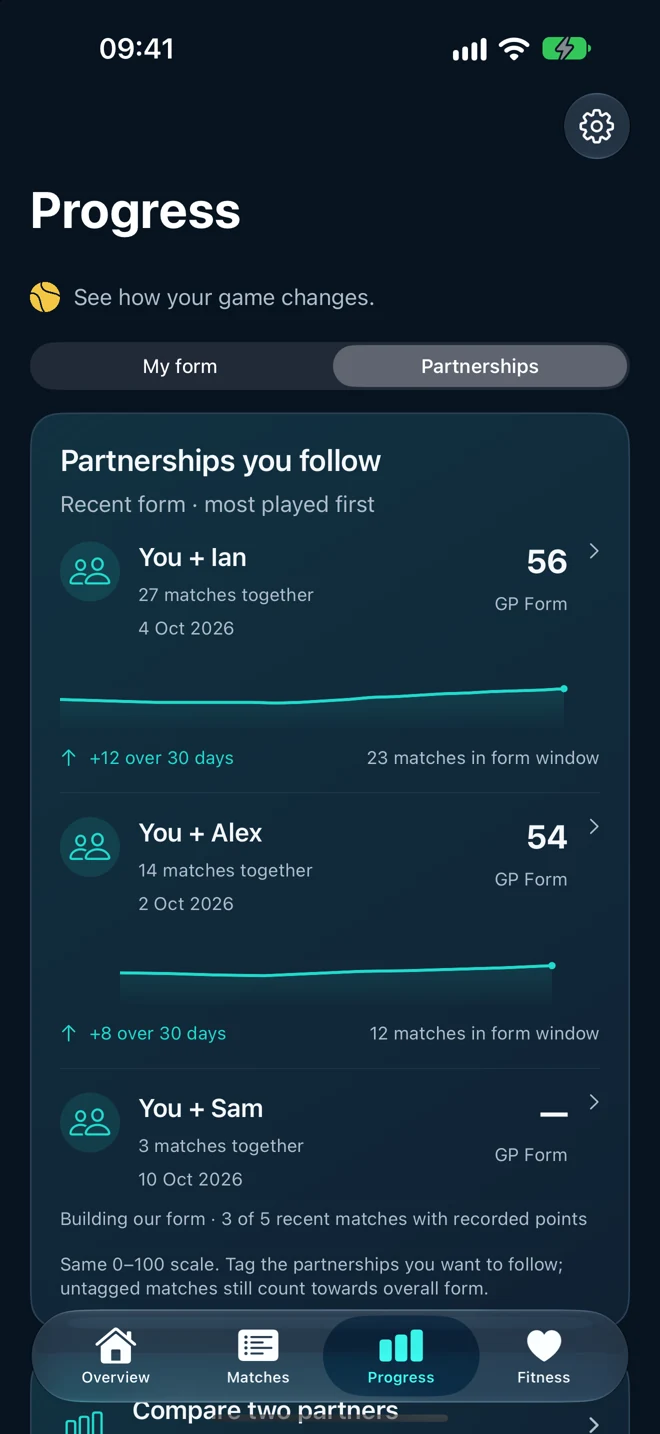
Find your partnerships
See your form together across tagged partners. Untagged matches still count towards your overall progress.
Apple Watch + iPhone
Every point on your wrist. Your matches, your form, and the partnerships that matter — on iPhone.
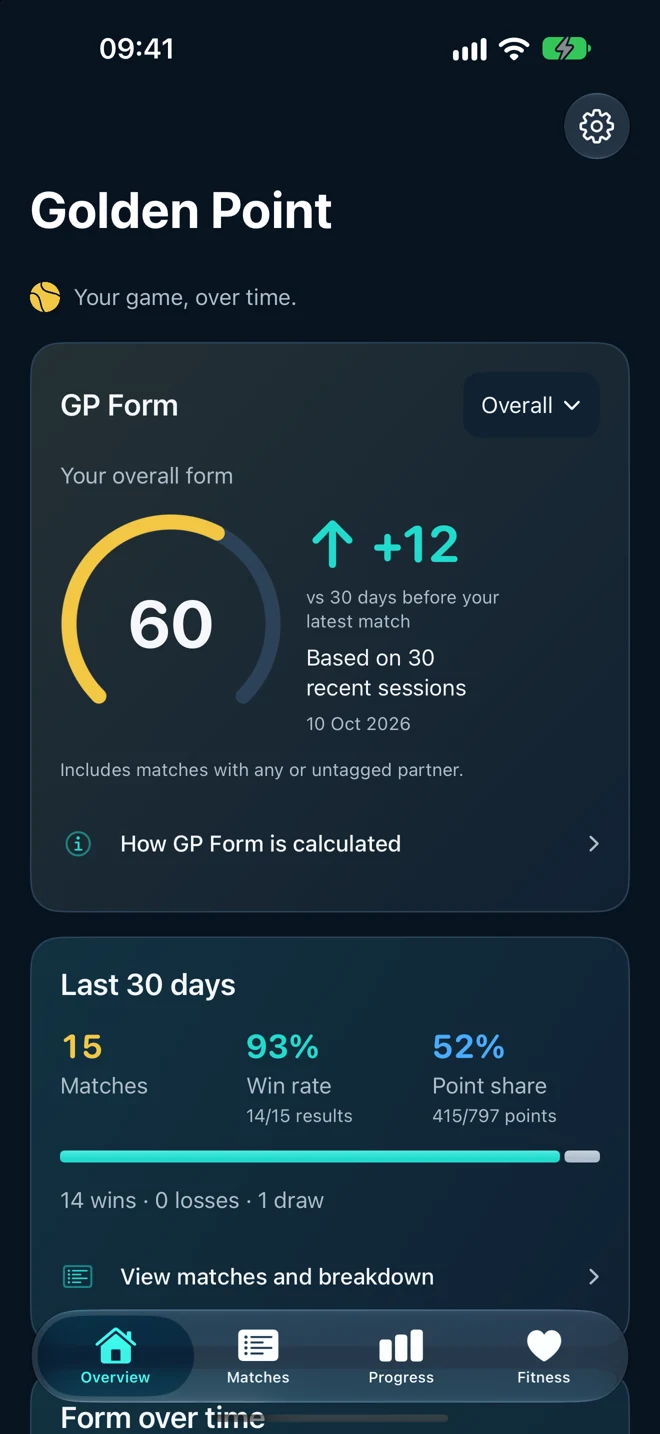
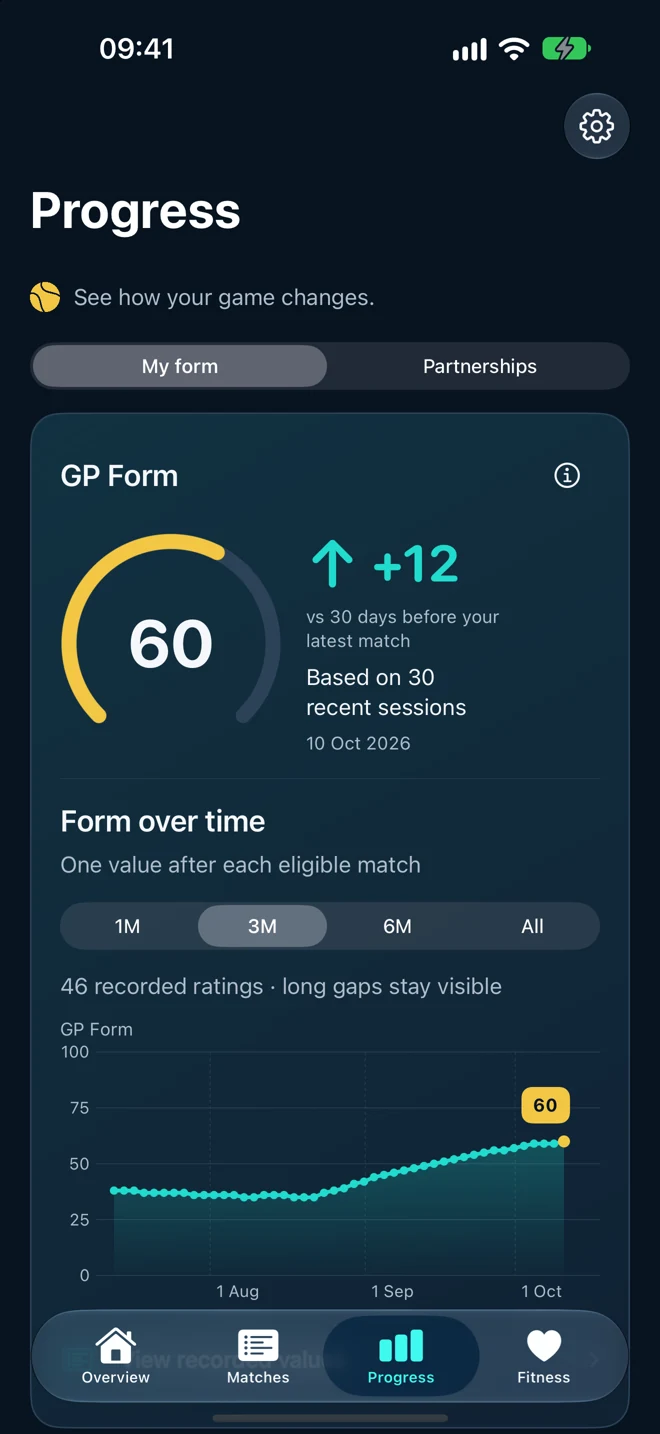
Your game, over time
Some days click. Others take a little work. Your journal shows the journey.
See GP Form after each eligible match, explore wins and draws, and look back through the points and games that got you there.
GP Form describes your side’s recent performance. It is a personal index, not an official skill ranking.
A team game. Your own way.
Follow the partnerships you care about.
Tag the people you want to track. Or just play.
See your form together across tagged partners. Untagged matches still count towards your overall progress.

Explore how your form together changes. Follow your journey, compare two partners, and revisit the matches behind each milestone.

Discover deciding points and games turned around together. Review meetings with regular opponents and the evidence behind the insights.
Different partners every week? That’s part of the game. There’s no need to tag every lineup.
Made for the court
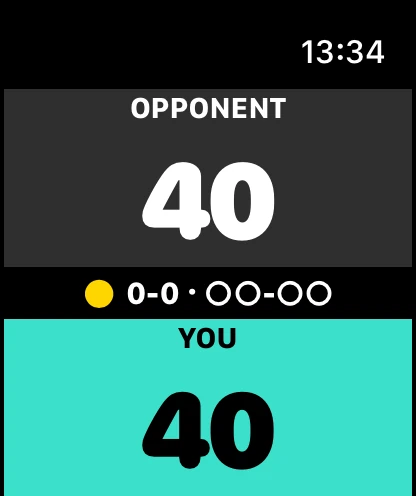
Tap a point. Feel the score.
Keep playing.
Choose your scoring rules, correct a mistake with the Digital Crown, and open Golden Point from your Watch face. The Watch works when your phone is away.
See Watch features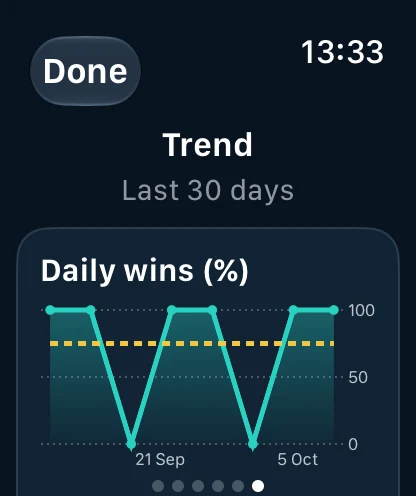
Automatic private iCloud sync through your Apple Account. Keep the full journal on iPhone, with recent history available on your paired Watch.
Optional Watch workouts and linked Apple Health insights. Explore recorded heart rate and supported zones when measurements are available.
Add people, venues and notes after play. Search your journal, revisit a match or share a result when you choose.
No. Tagging is entirely optional. Every recorded match can contribute to your overall form. Tag a partner or opponent when you want to follow that relationship; leave rotating lineups untagged if you prefer.
GP Form is a personal 0–100 index of recent recorded team performance: game share, point share and results. It considers up to 30 matches in 90 days, with more recent and longer matches carrying more evidence. It needs five eligible matches and starts cautiously near 50. Partners and opponents affect results; this is not an official ranking or an individual skill rating.
Yes. The Watch records points independently. Saved matches transfer automatically when your paired iPhone is available. The iPhone keeps the full journal and manages private iCloud sync.
Save the match when play stops. The leading side counts as the winner and a level score counts as a draw. The recorded points and games remain available to review.
With an available iCloud backup, the same Apple Account restores supported journal data on a new iPhone. A paired Watch can restore the latest 30 days from that phone. Sync depends on Apple services and device connectivity; allow it time to finish. No separate Golden Point login is needed.
It requests recent phone history again without clearing saved or unsent Watch matches. Repeating it is safe. To delete history, use iPhone Settings, choose the last 30 days or all saved matches, and review the count before confirming. Explicit deletion also applies to the synced journal and Watch when connected.
No. Workout recording and fitness insights are optional. With your permission, linked workouts can show available heart rate and supported zone summaries. Older workouts may have no recorded heart rate; missing measurements are never invented. Health measurements stay in Apple Health and are not uploaded to the Golden Point match archive.

Golden Point for Apple Watch and iPhone.
Get Golden PointApp screens shown with illustrative match data.